
How do you use Adobe Express in the classroom?
Along with other colleagues, we integrate Adobe Express into our curriculum in many ways:
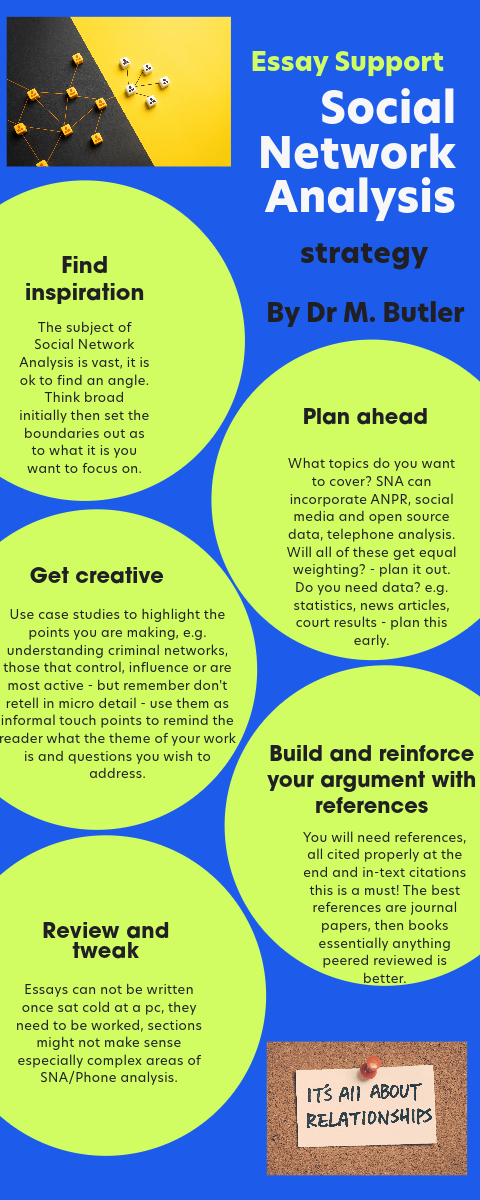
1) We use Express webpages to develop Assessment Criteria for students
(and won the Pearson Most Innovative Approach to Engaging Students Using EdTech in 2022.
2) We set students tasks where the submission is for them to create the artefact using Express.
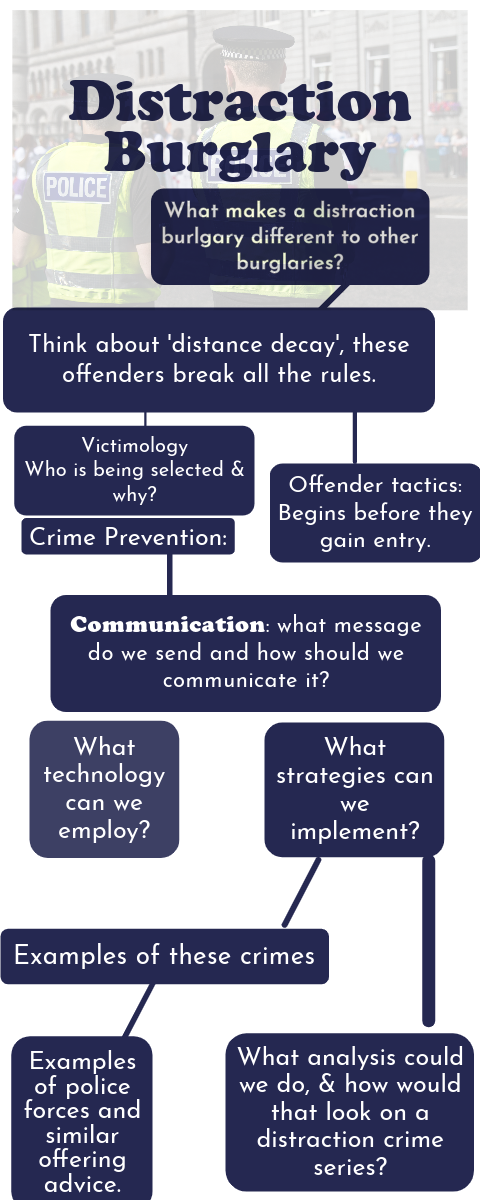
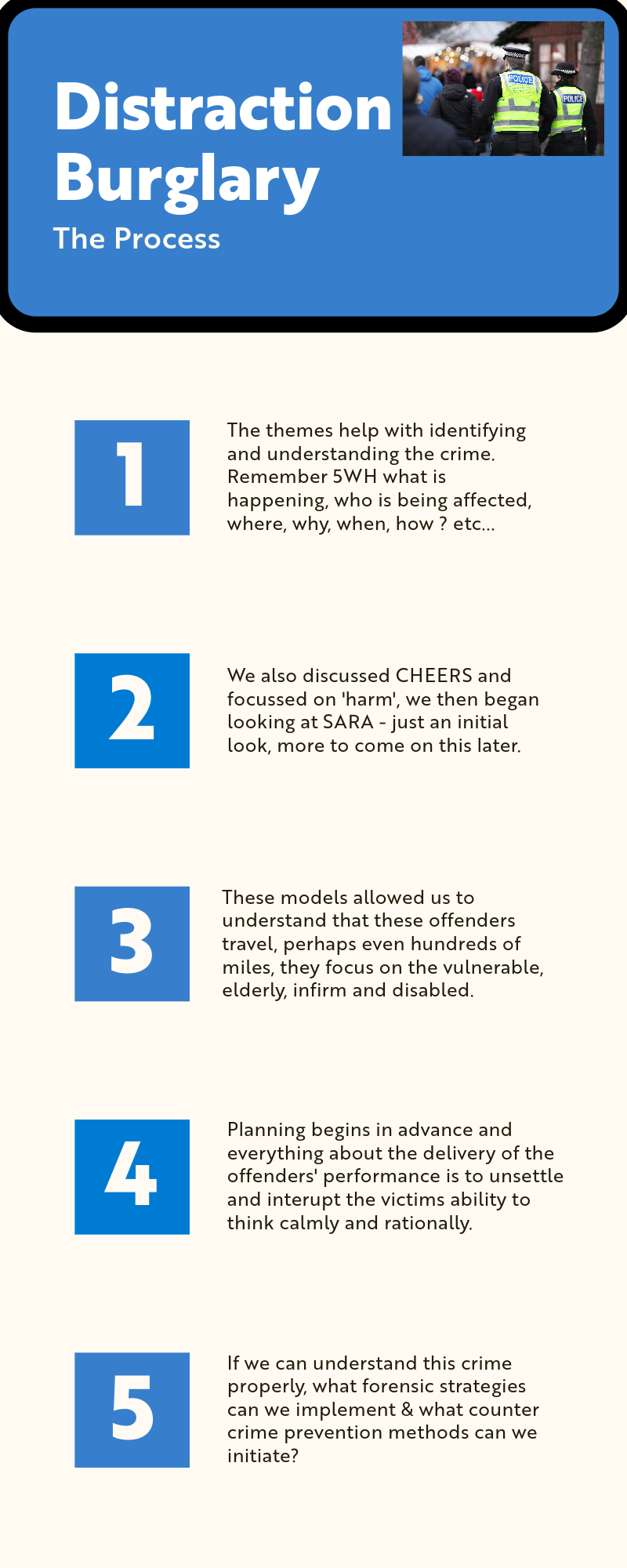
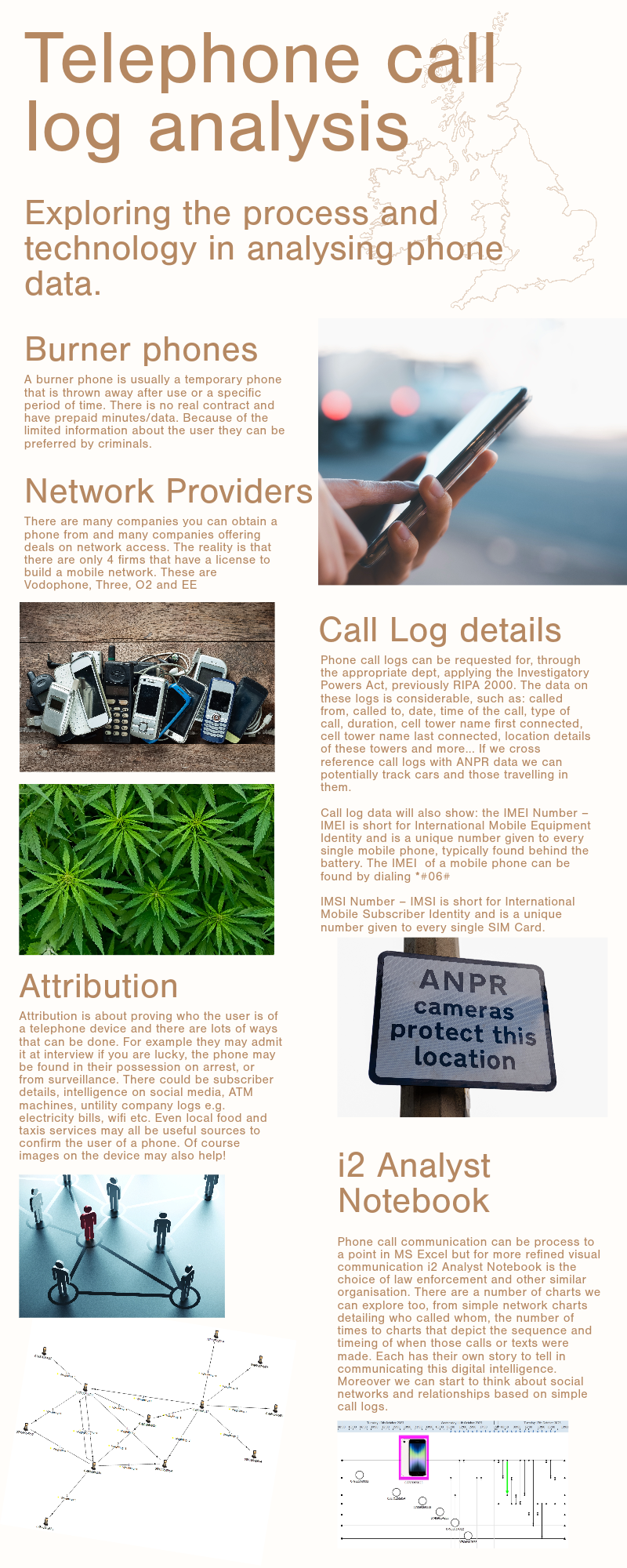
3) We use Express infographics to consolidate learning outcomes. Very often the key messages from lectures, seminars and practical lessons can be lost.We are now using infographics tools instead of traditional bullet point headings for those take-home messages.
1) We use Express webpages to develop Assessment Criteria for students
(and won the Pearson Most Innovative Approach to Engaging Students Using EdTech in 2022.
2) We set students tasks where the submission is for them to create the artefact using Express.
3) We use Express infographics to consolidate learning outcomes. Very often the key messages from lectures, seminars and practical lessons can be lost.We are now using infographics tools instead of traditional bullet point headings for those take-home messages.
What types of content are you creating with Adobe Express?
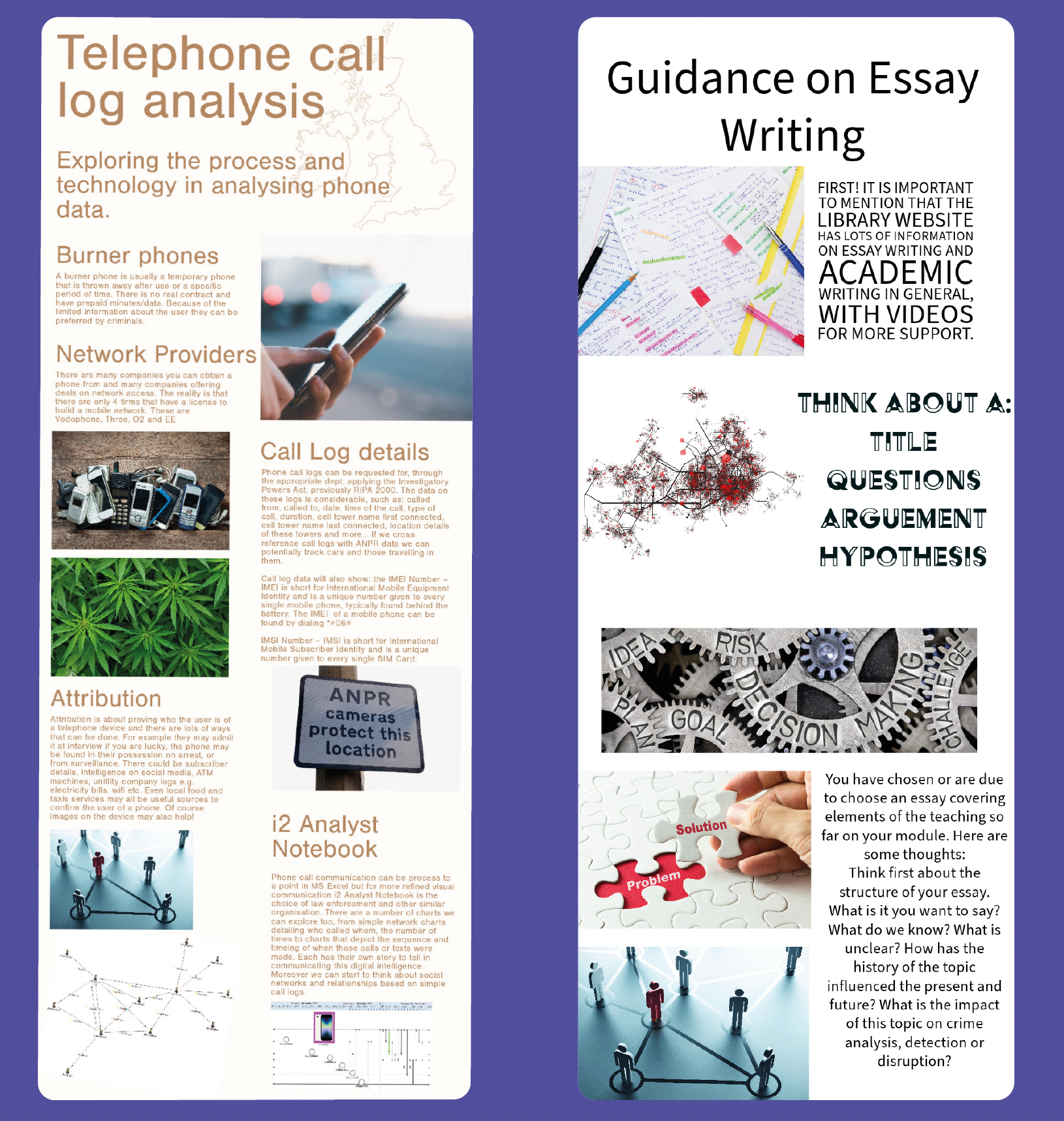
Staff are using Express to create lecture material & instructions for practicals and seminar work and of course, as stated earlier, assessment criteria guidance. Students use it to create content for assessments, as a substitute for a traditional essay or technical report – it becomes a vehicle to demonstrate their learning on a topic.
This is especially powerful where the student has done their own research and needs to show their ‘data story’ using section headings, text narrative, images and more.
This is especially powerful where the student has done their own research and needs to show their ‘data story’ using section headings, text narrative, images and more.
How does Adobe Express benefit you & your students?
I can create lecture content much faster than previously and I know I don’t have to worry about what device the user might view that content on. Having graphics, images and embedded videos in my teaching (instead of only words on the screen) allows me to create more engaging content for my students and provides them with an artefact they can refer back to.
Being able to submit assessments by uploading a link makes it easier to help share the work with our external examiner partners.
Lastly, an important point perhaps overlooked in terms of addressing disability, the Adobe Express video tool helps me a lot. I suffer with verbal disfluency and whilst I can express myself in lectures, take my time and use a range of tools to communicate learning, I always find making videos extremely difficult. Maintaining fluency for 5 or 10 minutes is not easy for me, and I’m sure lots of other people too. Adobe Express video tool requires users to record in short bursts of time, e.g. 10 or 30 seconds, and then it stitches the footage all together seamlessly to make something perfect. This suits me better and gives me an opportunity to make professional video content I am very happy with.